

That film you saved to a streaming service last month? It might be gone. A game you bought digitally can get delisted with a two-week warning. And here’s the part that stings: even the tracker you trusted to remember all of it can pull the plug. TV Time announced it’s shutting down in 2026, with user data set to be deleted. Years of logging, gone with the app.
The subscription era rented you access to a library and quietly convinced you that you owned it. You don’t. What you own is the record – the list of what you watched, what you played, what you thought of it. That’s the durable layer. That’s what a good tracker protects.
So this is a roundup of the best movie and game collection tracker apps in 2026, and the verdict up front is simple: the best of them are free, and you should probably run two. One for what you watch, one for what you play. Here’s which, and who each one is actually for.
Why a tracker matters more now than it did five years ago
Five years ago, tracking your media was a nice-to-have hobby. Now it’s the only copy of your taste that nobody else can delete.
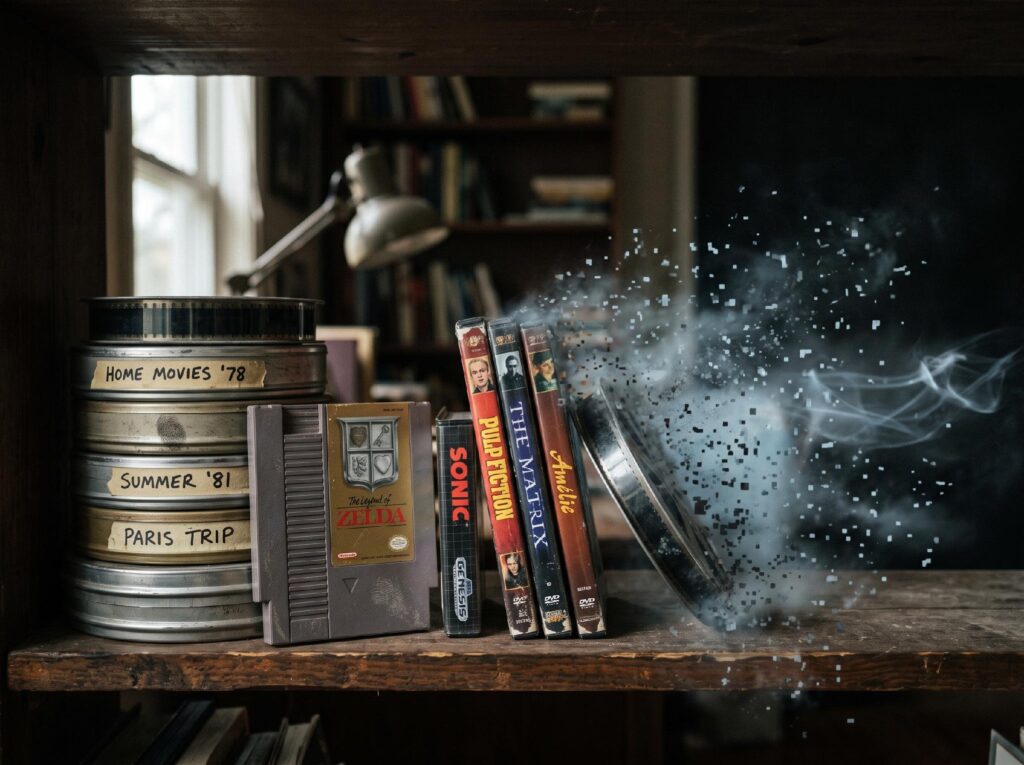
Streaming purges are routine. It started in July 2022, when Warner Bros. Discovery began stripping content from HBO Max – Westworld and Raised by Wolves vanished, Looney Tunes shorts followed, and Netflix and Disney+ have all done their own version since. A show you loved can disappear from the catalogue you pay for, and the platform owes you nothing.
Games are worse. The Video Game History Foundation’s 2023 preservation study found that 87% of classic US video games released before 2010 are not commercially available anywhere (n=1500, ±2.5%, 95% CI). Not on a store, not on a subscription, not legally for sale. If you didn’t hold onto it, in most cases you simply can’t get it back.
Your subscription isn’t a collection. It’s a lease that the landlord can rewrite. A tracker flips that: whatever the streamers purge or the storefronts delist, your log stays yours. That’s the thing every pick below is really protecting – not the content, the memory of it.
There’s a portability angle here too, and it’s the one most roundups ignore. A tracker is only as durable as your ability to get your data out of it. The apps that let you export your history are the ones worth committing years to; the ones that lock you in are just a slicker version of the same trap streaming set. Keep that test in mind as you read – I’ll flag it for each pick, because it’s the difference between a record you own and one you’re borrowing.
The best movie and TV trackers
Letterboxd – best for movies and community
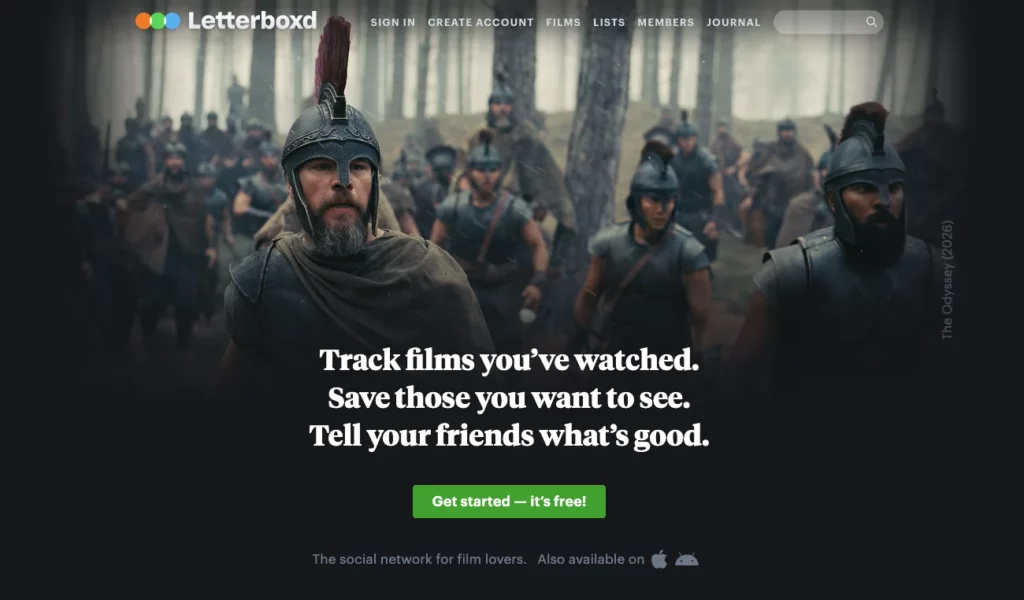
Letterboxd is the social film diary, and it’s the one most people should start with. You log every film you watch, rate it out of five stars, write a review if you feel like it, build themed lists, and follow friends and critics whose taste you trust. It turns watching movies into a conversation, which is the whole draw.
The reviews are the reason to be here. Post-screening, half the fun is reading what everyone else scrawled – the one-line gags, the earnest essays, the ratings that make you feel insane for disagreeing. No other tracker has that culture.
Now the downside, because everything has one. Letterboxd tracks movies and only movies. If you watch a lot of series, you’re on your own – there’s no TV episode tracking at all. And your watch history is locked inside the app: no Trakt sync, no clean export, no portability. That’s a real cost given how this whole article started.
Pricing is fair. The free tier is genuinely enough for most people. There’s a low-cost annual Pro tier (personalized stats, streaming-service filters, no third-party ads) and a higher Patron tier with cosmetic extras like custom posters. Nice to have, never necessary.
Pick: Best for movie lovers who want the conversation, not just the checklist. Skip it if you watch a lot of TV, or if data portability matters to you – your history doesn’t travel.
Trakt – best for automatic tracking and TV
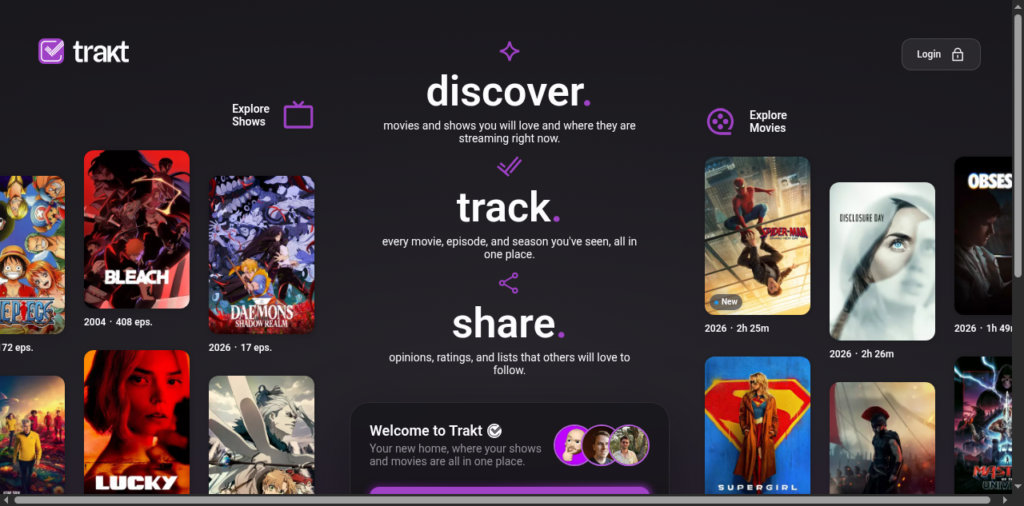
Trakt does the thing Letterboxd refuses to: it tracks TV, episode by episode, and it does most of the work for you. It’s a scrobbler. Connect it to Plex, Kodi, Emby, or Jellyfin and it auto-logs what you watch – movies and series both – with detailed episode-by-episode progress and stats. Hit play on your home server, Trakt already knows.
For heavy TV watchers running a media server, nothing else comes close. You stop logging by hand. The record just accumulates.
The catch is the experience getting there. The UI is clunkier than Letterboxd’s and the setup is fiddlier – you’re wiring up plugins, not tapping a heart. Trakt also tightened its free tier in 2025, and VIP now costs $60 a year after a 100% price hike (announced February 2025, up from $30, with legacy rates ending May 20, 2025). That doubling annoyed a lot of long-time users, and fairly so.
Here’s the honest part the sign-up page won’t tell you: most people don’t need VIP. Scrobbling from Kodi and Plex through third-party plugins works on a free account. VIP mainly buys you the native Plex webhook and automatic scrobbling from streaming services. If you’re on Kodi, stay free.
Pick: Best for TV watchers with a home server who want tracking on autopilot. Skip it if you only watch movies and hate setup – Letterboxd will make you happier in ten seconds.
Trakt app screenshot
Simkl – best free all-round watch tracker
Simkl is the sensible middle. It’s a free tracker for movies, TV, and anime in one place – the TV coverage Letterboxd lacks, without Trakt’s setup tax or price hikes. If you want to track series without wiring up a server or paying a subscription, this is the easy answer.
It’s not glamorous. The community is smaller than Letterboxd’s, and there are ads on the free tier. But for someone who just wants one free app that remembers every show and film they’ve finished, Simkl quietly does the job.
Where it earns its spot is the anime coverage, which the two headliners handle poorly. If half your watchlist is seasonal anime plus prestige TV plus the occasional film, Simkl is the one app that holds all three without complaint. It’s the pragmatist’s choice – fewer bells, less friction, nothing to pay.
Pick: Best for people who want free TV tracking without the fuss. Skip it if community and reviews are the point for you – go Letterboxd.
The best game trackers
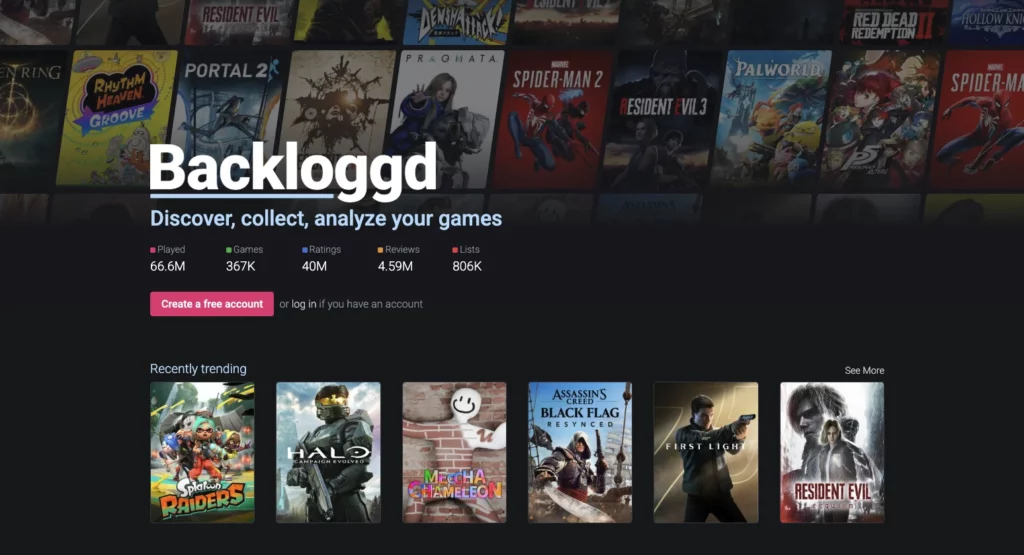
Backloggd – best for logging and community
Yes, there’s a Letterboxd for games, and it’s Backloggd. Logging a game is one click. Ratings use half-stars, you can write journal-style reviews, and every game slots into a status – playing, completed, paused, abandoned, backlog, or wishlist. All the game data comes from IGDB, the community is real (650K+ registered users), and it’s currently on version 1.17.5, last updated February 5, 2026.
It’s the best answer to the backlog guilt problem. Seeing “backlog: 62” in black and white is either motivating or terrifying, and either way it’s honest.
The downside: it’s web-only. There’s no native app, and it doesn’t auto-track playtime – you log manually, the way you would on Letterboxd. If you want hours-played pulled in automatically, this isn’t the tool.
Best of all, it’s free. There’s an optional $3-a-month Backer tier, but the whole thing works without paying a cent.
Pick: Best for players who want to log, rate, and talk about games with an actual community. Skip it if you need a phone app or automatic playtime – it won’t do either.
Playnite – best for owning and organizing a PC library
If you’re drowning in launchers, Playnite is the fix, and it’s the pick that ties hardest to this article’s whole point. It’s a free, open-source (MIT) library manager that pulls Steam, Epic, GOG, EA App, Ubisoft, Battle.net, Xbox PC, itch.io, Humble, and Amazon – plus your emulators – into one launcher. It tracks playtime, and the data stays local on your machine. It’s built and maintained by Josef Nemec, with the current stable build at version 10.56 (May 26, 2026).
One place, one interface, everything you own. No storefront deciding what’s on the shelf. That’s ownership in software form – the antidote to five apps each pretending to be your whole collection. If you liked the idea of a single box that runs your whole library, it pairs naturally with our Steam Machine review.
The limits are clear. Playnite is Windows-only – no Mac, no Linux native build – and it’s more a launcher than a social tracker, so there’s no reviews-and-followers layer. It organizes; it doesn’t chat.
Pick: Best for PC players who want one owned library instead of five rented ones. Skip it if you’re not on Windows, or if you wanted the community side of a Backloggd.
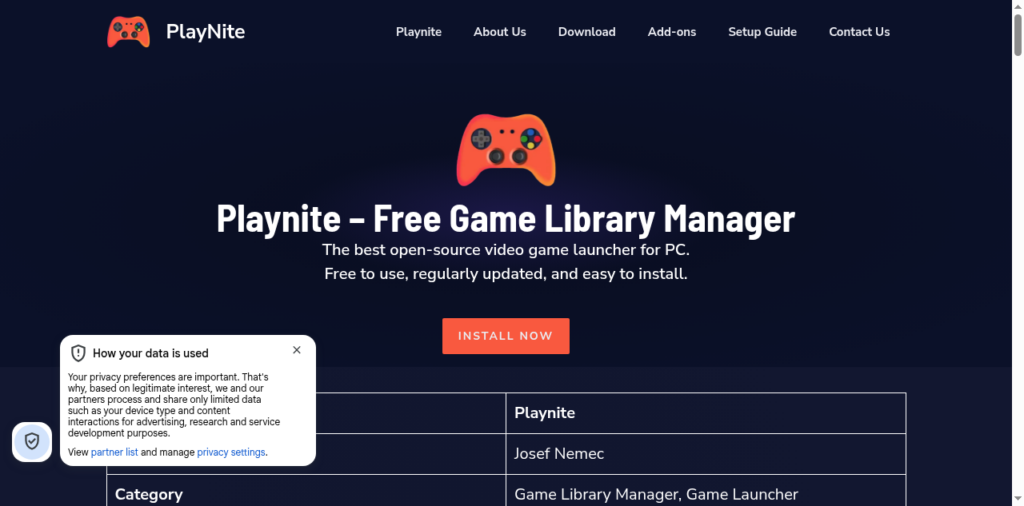
Playnite app screenshot
Gameye – best for physical collectors
Gameye is the purest “own it” pick in this whole list – the app for people whose collection you can actually hold. It’s a free iOS and Android app built for physical collectors, covering 100+ platforms and a 150,000+ game database. It tracks games, consoles, peripherals, guides, and amiibo, has a barcode scanner for fast cataloguing, and records condition, market value, and price history so you know what your shelf is worth. It’s developed by Harrison Holzhauer.
Point your phone’s camera at a boxed copy, scan the barcode, done. For anyone with a wall of cartridges and discs, this is the catalogue you’ve been meaning to build for years.
The downside is that it’s physical-first by design. If your library is mostly digital or PC, a lot of Gameye’s strengths don’t apply to you, and its value-tracking is lighter than dedicated price-history tools. But that’s not who it’s for.
Given the preservation numbers above, the physical shelf isn’t nostalgia – it’s often the only copy that still legally exists. Gameye is how you keep track of it.
Pick: Best for shelf collectors who want a catalogued, valued library in their pocket. Skip it if your games are mostly digital – Playnite or Backloggd fit you better.
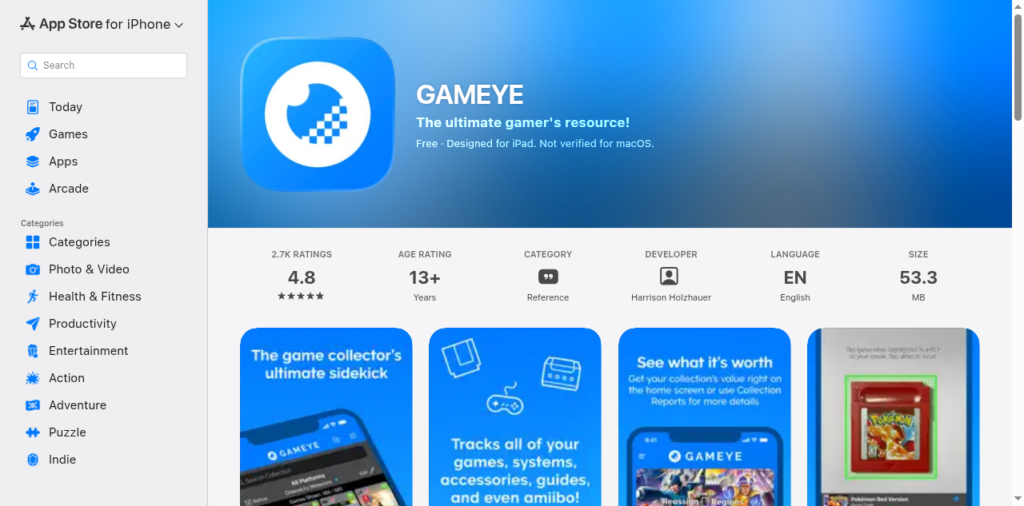
Gameye app screenshot
Honorable mentions and what to skip
A few things worth naming quickly. Completion-focused backlog tools exist if your only question is “how many hours to beat this” – useful, but a narrower job than tracking a whole collection. There are all-in-one apps that promise to track movies and games in one place; a handful genuinely try it, but most people are better served running one dedicated tracker per vertical than one that half-does both.
And don’t confuse “where can I watch this” with “what have I watched.” Services like JustWatch answer the first question – they point you to the streamer that currently has a title. That’s a discovery tool, not a memory. It tells you where the rented library keeps something today; it doesn’t build the record that stays yours tomorrow.
One more honest note on paid tiers, since the affiliate roundups tend to bury it: across every pick here, the free version is the one most readers should run. Trakt VIP, Letterboxd Pro, Backloggd Backer – they’re small extras, not the product. If a roundup pushes you toward a paid tier as the “real” experience, be suspicious. The free apps in this list are the whole point, and they’re genuinely enough.
So which do you actually install?
Skip the paralysis. Here’s the short version, by what you actually do:
- Movies plus a community you’ll enjoy → Letterboxd
- TV, a home server, tracking on autopilot → Trakt (stay on the free tier with Kodi)
- Free all-round watch tracker, no setup → Simkl
- Game backlog plus a real community → Backloggd
- A messy PC library to unify and own → Playnite
- A physical shelf to catalogue and value → Gameye
Most readers should walk away with two: one watch tracker, one game tracker, both free. Letterboxd and Backloggd is the default pairing for a reason – both are quick to start, both have a community that makes logging feel worth it, and neither asks for a card. Run those two for a month and you’ll have a record you’d hate to lose, which is exactly the point.
The through-line hasn’t changed since the first sentence. The subscription library isn’t yours, and it never will be – it can be purged, delisted, or shut down while you’re mid-season. The log is yours. Build the record now, while you still remember what you watched and what you finished. When the library disappears, that record is the only thing left standing. Ready for what’s next on your list? See what we’re reviewing right now.
Frequently asked questions
Is there a Letterboxd for games?
Yes – it’s Backloggd. It’s the closest game-tracking equivalent: one-click logging, half-star ratings, journal reviews, and status categories like playing, completed, and backlog. Game data comes from IGDB, the community runs 650K+ users strong, and it’s free. The main gap versus Letterboxd is that Backloggd is web-only with no native app.
Is Letterboxd free?
Yes. The free tier lets you log films, rate them, write reviews, build lists, and follow people – enough for most users indefinitely. There’s an optional low-cost annual Pro tier (personalized stats, streaming filters, no third-party ads) and a higher Patron tier with cosmetic extras, but neither is required to use the app fully.
What’s the difference between Letterboxd and Trakt?
Letterboxd is a movies-only social diary you update by hand, built around reviews and community. Trakt is an automatic scrobbler that tracks both movies and TV episode-by-episode via Plex, Kodi, Emby, or Jellyfin. Choose Letterboxd for film culture; choose Trakt for hands-off TV tracking with a home server.
Is Trakt VIP worth it?
For most people, no. Scrobbling from Kodi and Plex through third-party plugins works on a free Trakt account. VIP ($60/year after a 2025 price hike from $30) mainly adds the native Plex webhook and automatic scrobbling from streaming services. If you’re a movie-only viewer or you run Kodi, stay on the free tier.
Can one app track both movies and games?
A few all-in-one apps try, but most people run two dedicated trackers instead – one for watching, one for playing – because each vertical needs different data (IGDB for games, TMDb-style sources for film and TV). Pairing a watch tracker like Letterboxd with a game tracker like Backloggd covers everything cleanly, and both are free.
What happens to my data if a tracker shuts down?
It can be deleted – which is exactly why portability matters. TV Time announced it’s shutting down in 2026, with user data set to be deleted after. Export your history wherever the app allows it, and favor trackers that let your data leave. The record only stays yours if you can take it with you.